
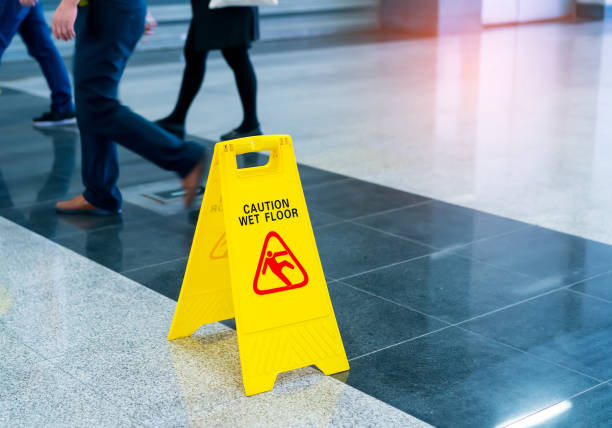
Cleanliness in the office is important for employee productivity and well-being.
Maintaining cleanliness at the workplace is more than just a matter of appearance. This creates an organization that promotes efficiency and a positive work atmosphere.
It’s not as easy as it may seem to keep your office in tip-top shape. One reason is that your office may be visited by a variety of people, including employees and visitors. Desks, chairs, and printers are just a few of the items that can collect dirt and dust.
Here are some tips to help you transform your office space into one that is tidy, productive, and inviting:
Tip 1: Hire a cleaner to do the job.
Commercial cleaning services can provide many benefits to you. This experience, knowledge, and tools are necessary to provide thorough cleaning. Hiring professional cleaners will save you time and effort while also ensuring your office is cleaned regularly and thoroughly. This results in an h, resulting after work environment.
Tip 2: Prepare a Cleaning Checklist
It’s important to have a detailed checklist of tasks for office clean office cleaning tasks, which will help you stay organized and make sure that all censures are completed.
You can classify your tasks by area. This list is a good starting point for most offices: reception, workspaces, shared areas (e.g., meeting rooms, employee lounges), bathrooms, cafeterias and pantries, and stockrooms.
Include non-cleaning tasks such as restocking your supplies. A well-defined routine will help you maintain a clean and organized workspace.
Tip 3: Clean the slate by removing everything.
Start with a clean canvas. Remove clutter and unnecessary items from the workspace. This includes old files, documents, and unused items.
Decluttering not only improves an office’s appearance but also helps people concentrate on their essential tasks without being distracted. You can also reduce the amount of cleaning your office has to do, as fewer items will be needed immediately after washing.
Cleaning and disinfecting is a separate process. Cleaning removes dirt, while disinfecting kills bacteria and germs.
AlAftericleaningurfaces like desks, countertops, tables, and other work surfaces a falwaysldisinfecthem. This extra step helps to prevent the spread and maintain a clean workspace.
Tip 5: Be aware of high-touch surfaces and objects
Cleaning certain surfaces and objects in the office is important because they are often touched. Examples include doorknobs (or switches), elevator buttons, or shared equipment such as printers and copiers. Desks, counters, and cafeteria tables are all the stables that maintain a safe and clean office, nd regularly disinfect high-touch surfaces and objects throughout the day. This will reduce the risk of spreading germs.
Tip 6: Clean your computer, including the keyboard and mice
Most likely, you’re already aware that computer equipment is a breeding ground for bacteria and viruses. This is particularly true of peripherals such as keyboards and mice, which can have many nooks and crevices in which dirt and grime may settle. Even if they know this, many people still fail to clean and disinfect these devices.
Include computers and electronic devices in your regular office maintenance to keep it clean. Use the appropriate cleaning products to clean the screens. Wipe down the keyboards and disinfect the mouse. Encourage your employees to clean their own workstations.
Cleness can also help your computer last longer, saving you money on repairs and replacements.
Rearrange your office layout
Reevaluating and rea.rranging the layout of your office can make it easier to clean. Place furniture and equipment strategically to maximise space and make cleaning easier. This will allow you to easily reach all areas of the house for thorough cleaning and dusting.
You can increase the efficiency of your cleaning by designing your office layout to be clean.
Tip 8: Minimise Clutter
It is important to keep your office clutter-free. This will not only make it look more professional but also improve productivity and focus. Encourage employees to keep their workstations organised by providing adequate storage solutions such as filing cabinets, shelves and desk organizers.,
Implement a paperless ystem whenever possible to eliminate unnecessary clutter and streamline your workspace.